Beyond Monoliths: Designing Software with a Plug-and-Play Mindset
Learn what pluggable architecture is, how it works, its benefits, trade-offs, and why modern software uses a plug-and-play design approach.
5 min read • 6/20/2026
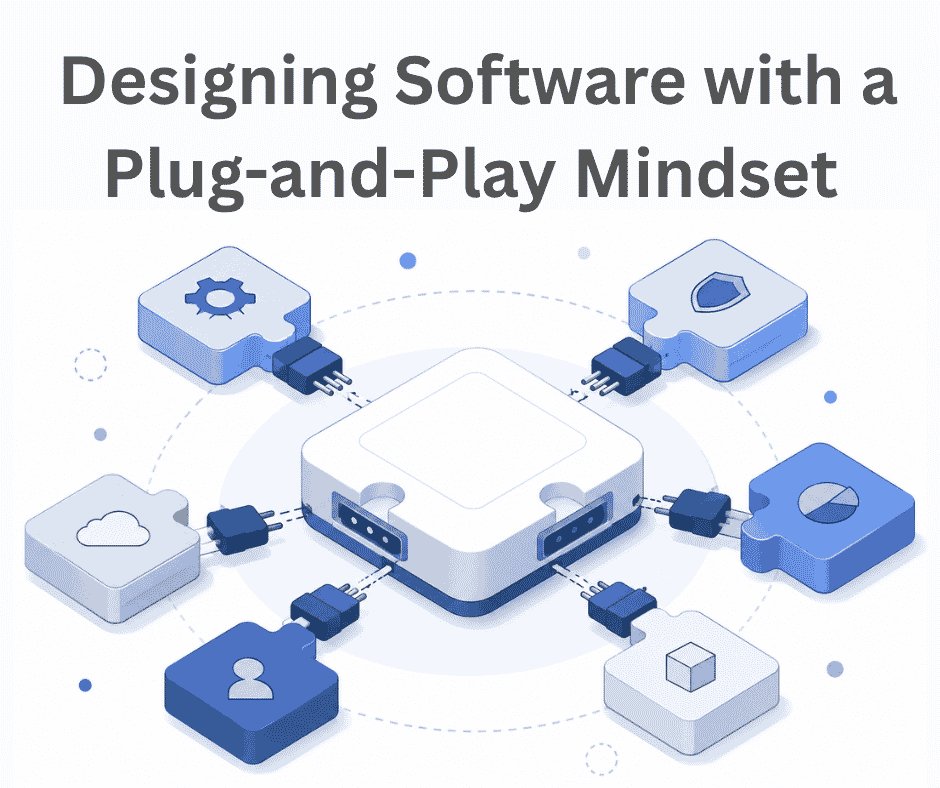
In the early days of software development, most companies and developers used monolithic architecture to build systems. It is a traditional approach to software development in which all system components and required functionalities are contained within a single unit. The user interface, business logic, and database components are all kept in a single application.
This type of architecture is well-suited for small to medium-sized applications, especially when requirements change frequently, and the number of new features introduced is relatively limited. It simplifies development and debugging because the entire application is deployed as a single unit that handles all functionality.
Like any other architectural design, monolithic architecture design also has its own drawbacks. It can be difficult to scale and offers less flexibility as the system and user base grow. Introducing new features in the system often requires changes across multiple components of the codebase, thereby increasing the risk of affecting existing functionality. Testing can also become more challenging because changes may require retesting a large portion of the application.
To address these challenges, several modern architectural approaches have emerged. Pluggable architecture is one of them, offering a different perspective on software development.
What Exactly Is Pluggable Architecture?
The terminology' pluggable architecture' may sound complex, but the concept is relatively simple. It is an architectural approach that allows a system to be extended through plugins without requiring changes to the core application and components.
In a pluggable architecture, new features can be added by users or developers through available plugins. Plugins are independent software components that provide specific functionality and features to an existing system without modifying its core behavior.
You can think of it this way: you are using a system and need a feature/functionality that is not available in the core application. Instead of modifying the core system, you can build a plugin that provides the required functionality and integrate it with the existing system. This approach reduces the pain of changing the core application and allows extensions to be developed independently.
A pluggable architecture typically consists of two main parts: the host and the plugin. The host is the core system that defines the rules for plugins and provides the interfaces for integrating them. The plugin provides additional functionality that extends the system's available features. The host is responsible for loading and managing existing plugins, while the plugins provide the additional features for the system.
A most popular example is VSCode and its extensions. In this case, Visual Studio Code acts as the host, while extensions act as plugins that add extra functionality to the editor. Other examples include WordPress plugins and browser extensions.
Why Adopt the Plug-and-Play Mindset?
There are many architectural approaches available, and each comes with its own advantages. Let's look at why a plug-and-play mindset can be beneficial and when it's a suitable choice.
Extensible
New features can be added to an existing system without modifying the core codebase. Developers need only understand the plugin development rules and the interfaces provided by the host system to build and integrate new functionality.
Development
In many projects, one feature depends on another, and developers must wait for the dependent features to be completed before starting their own work. In a pluggable architecture, multiple developers can work on different plugins and features independently, reducing dependencies and minimizing feature conflicts.
Risk Mitigation
Testing is a critical part of software development, but not every issue can be identified in advance. When a plugin encounters a problem, the impact can often be limited to that specific plugin rather than affecting the entire system. As a result, the unavailable functionality is isolated to the affected plugin.
Easy Debugging
When a specific feature is not working as expected, developers can focus on the relevant plugin rather than investigating the entire system and its functionality. This can make troubleshooting and debugging more efficient.
Customization
The core system can stay focused on the essential functionality, while users add plugins based on their specific needs. This provides users the flexibility to customize the system without forcing every feature into the core application. As a result, different users can customize the software to their own requirements while keeping the core system lightweight and clean.
Ultimately, the choice of selecting the architecture depends on the type of system you are building. If your application is expected to support a wide range of features or varying user requirements, a plug-and-play approach can offer greater flexibility and customization.
The Pillars of Pluggable Design
A pluggable architecture consists of several components. Each component has a specific responsibility and functions, and the absence of any one of them can affect the overall design or even break the flow. The following are the key pillars of a pluggable architecture:
Core System (Kernel)
The core system, or Kernel, is the main component of the pluggable architecture, and this is available to all users. These components are responsible for system bootup, configuration, and the management and orchestration of plugins. Overall, it serves as the foundation that enables plugins to operate within the system.
Interface (Contract)
The interface, or contract, defines how plugins interact with the core system. It establishes the rules that plugins must follow and provides APIs, abstract classes, and functions that allow plugins to communicate with the core system, including the database when necessary. It also helps ensure that plugins are compatible with the host system.
Plugin Discovery & Registration
Before a plugin can provide any functionality, the system must know it exists. This is where plugin discovery and registration come into play. The host application looks for available plugins in predefined locations, configuration files, or plugin metadata. When a valid plugin is found, it is registered with the system and becomes available for use. Without this step, the plugin may be installed, but the application would have no way to recognize or load it.
Lifecycle Management
Lifecycle management is responsible for loading existing plugins, initializing them at application start, making their functionality available to the user when needed, and unloading them when they are removed or disabled from the system. Managing these stages properly helps the system remain stable, even as plugins are added, updated, or removed over time.
Architectural Trade-offs: The Cost of Flexibility
We know that every architectural design has its own pros and cons. In system design, no architecture is completely secure, robust, or suitable for every use case. The same applies to pluggable architecture. While it offers flexibility and extensibility, it also comes with several challenges:
- Increased Complexity
This architectural design increases the system's overall complexity. Although the idea of having a core system and plugins for additional features sounds simple, designing such a system requires careful planning. Defining stable interfaces, configurations, and extension mechanisms requires addressing many design considerations. - Security Risks
In a plug-and-play architecture, the third-party developers can build plugins based on the defined contracts. Allowing third-party plugins increases the system's attack surface. A poorly designed or malicious plugin may compromise the application's security. Developers need to ensure that untrusted code cannot execute harmful actions or expose sensitive data. - Performance Overhead
There is a chance of slight performance degradation because the system must discover, load, and manage plugins. Compared to built-in components, dynamically loaded components can introduce additional processing time, although the impact depends on the implementation. - Testing Challenges
Testing the developed plugins has been more difficult for the developer than we expected. Without proper testing tools or a dedicated plugin testing environment, developers may be forced to test plugins in a live environment, which can introduce risks and slow down development. - Ongoing Maintenance
In a pluggable architecture, continuous maintenance is required, as user requirements may evolve. Over time, developers may need to support new capabilities that were not considered when the original interfaces were designed. In such cases, the existing contracts or rules may need to be updated while maintaining compatibility with existing plugins.
Conclusion
Software never stays the same after it is released. New features and requirements emerge, users request additional functionality, and teams need a way to keep adding features without constantly modifying the application's foundation.
A pluggable architecture comes into play to address these kinds of challenges by keeping the core system focused on its primary responsibilities while allowing additional functionality to be introduced through plugins. This makes it easier to extend the system without turning the core application into a collection of features that every user may not need.
Like other architectural approaches, it also comes with trade-offs. However, when flexibility, customization, and long-term extensibility are important requirements, a plug-and-play mindset can be a practical way to design software that can grow and adapt over time.
Previous
The Missing Piece of JWT Auth: Implementing Token Invalidation in FastAPI
Next
Building a Pluggable Application with FastAPI and React
You Might Also Like
 Design & Architecture
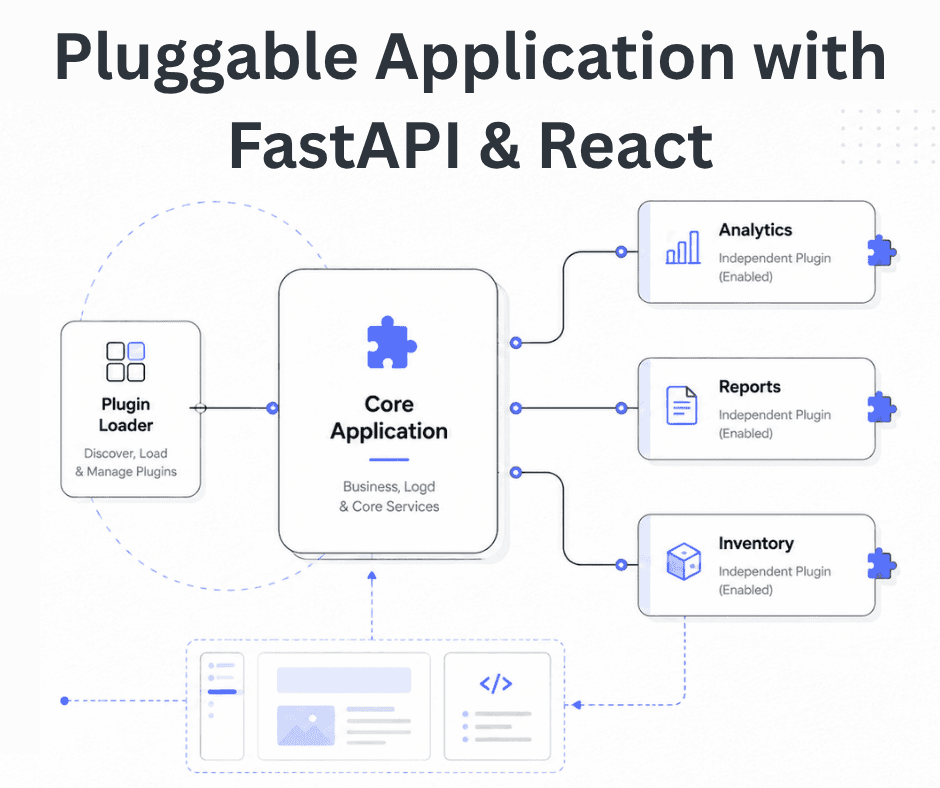
Building a Pluggable Application with FastAPI and React
Some applications need a different architectural approach from the traditional way of building web systems. One useful option is pluggable architectur
11 min read
 Backend & DevOps
Building and Deploying RustFS: S3 Storage Integration via Docker
Amazon Simple Storage Service (S3) is a popular object storage solution designed to help organizations build scalable, highly available, secure, and p
4 min read
 Backend & DevOps
High Performance Self-Hosted Bucket Storage for Developers
At scale, applications don’t store user-uploaded data such as images, videos, or other binary files directly in the database. Instead, this data is ha
6 min read